

Requirements
 Source 2 Viewer
Note
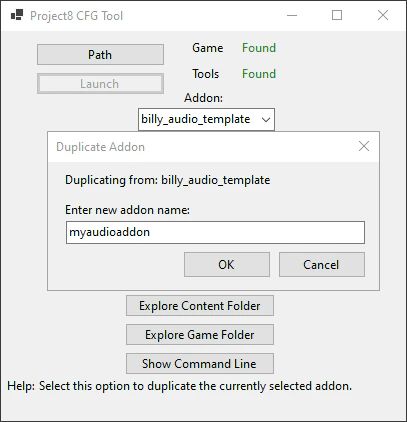
CSDK 12 ships with a Billy Audio Template to skip decompilation. Use “Duplicate Addon” on a template addon in the launcher to make an editable version of the addon.
Finding the Sound
You can find the sound the need by opening game/citadel/pak01_, then:
- If your sound is used in a ability/hero, go into
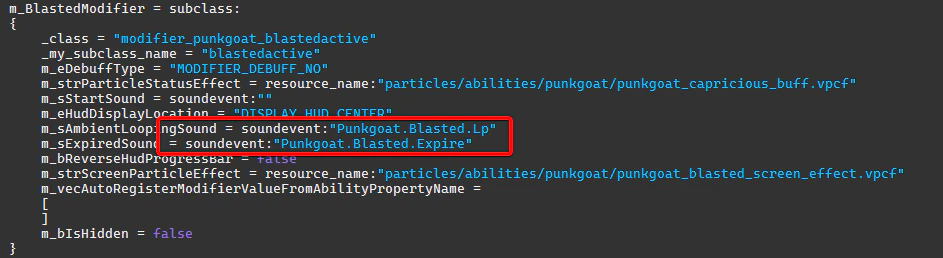
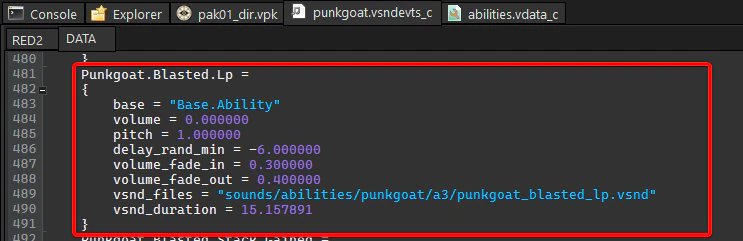
heroes.vdata, then your hero’s name, ability inabilities.vdataand look for asoundevent:flag. Billy’s Blasted for example usesPunkgoat.Blasted.Lp. Ability/Hero soundevents are usually stored insoundevents/hero/heroname.vsndevts_. Compiled Sound should be in thec vsnd_string.files
- If your sound is a VO file (voiceline), go into
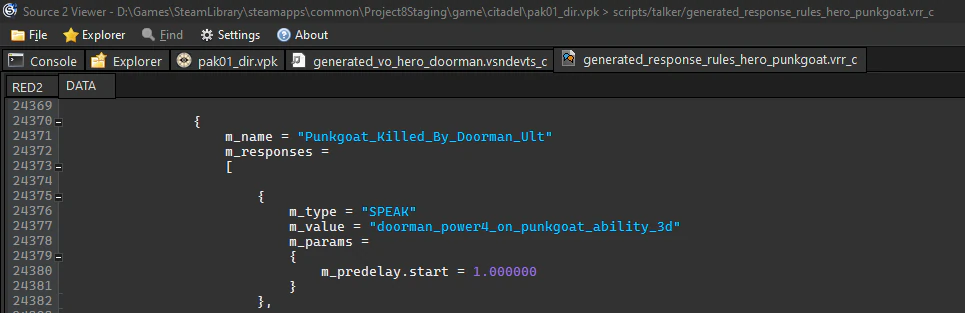
scripts/talker/and find in.vrrresponse rules files a rule you’re looking for. The rest goes as above.
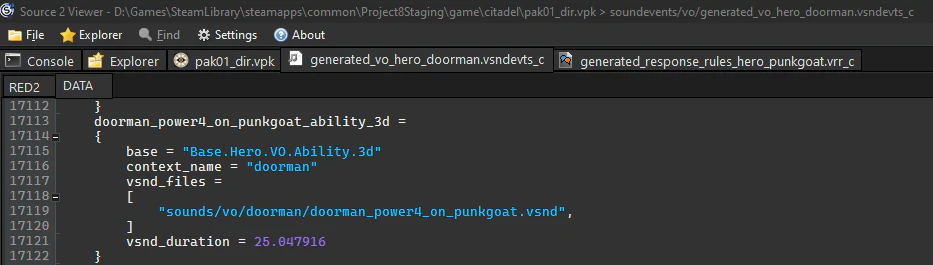
Replacing the Sound
Then, navigate into the direction of the sound and decompile it into your addon. The result filepath and filename MUST match the location where the original file was.

Replace the sound with your own.
Compiling
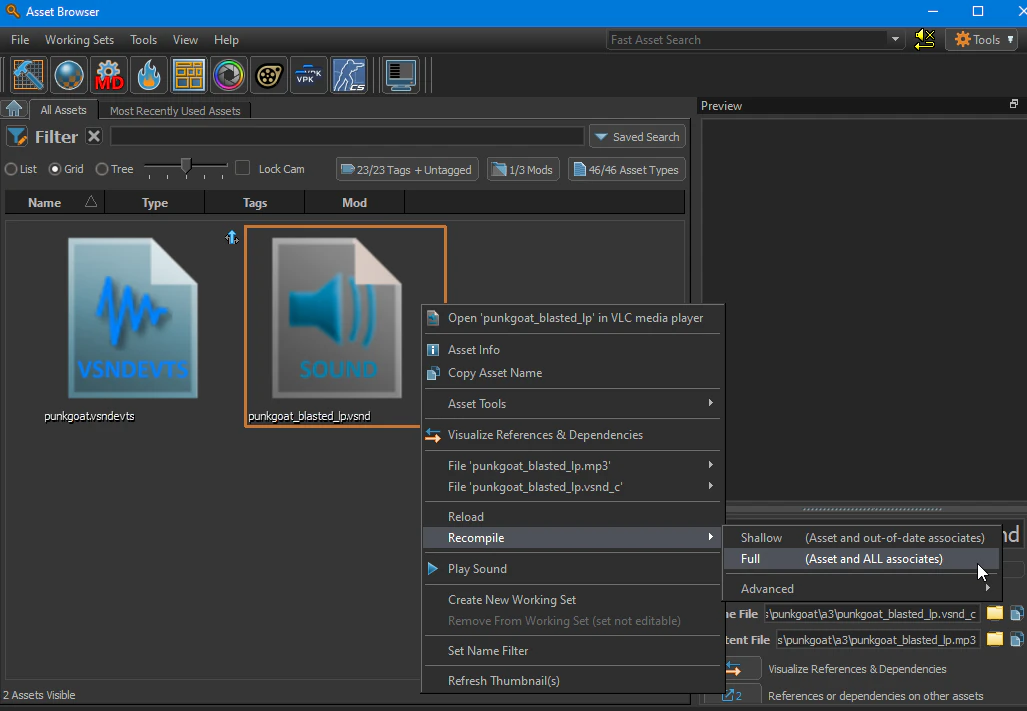
With your CSDK 12 tools open, find your sound file in the  Asset Browser, right click on it and select “Recompile > Full”.
Making a Looping Sound
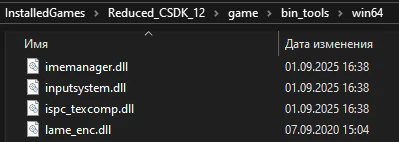
To make a looping sound, you need to have a encoding.txt file near your source sounds. For this method to work, your bin files must have lame_ present, and the files must be of the .wav extension.
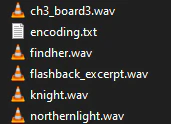
The encoding.txt file must contain this:
<!-- kv3 encoding:text:version{e21c7f3c-8a33-41c5-9977-a76d3a32aa0d} format:generic:version{7412167c-06e9-4698-aff2-e63eb59037e7} -->
{
compress =
{
	format = "mp3"
	minbitrate = 128
	maxbitrate = 320
	vbr = 1
}
files =
[
{
fileName = "mysoundname.wav"
loop =
{
loop_loop_ and loop_ must be in seconds.
If you want to use sample time, it can be done with loop_ and loop_.
{
fileName = "mysoundname3.wav"
loop =
{
loop_Then after that, compile your sounds. While CSDK 12 is open, any change to the encoding.txt file will recompile the referenced sounds.
There is also a preferred option for compression provided with the encoding.txt file above. If the compress block is present in the encoding.txt file, then every sound near it will be compiled with the specified compression settings (theoretically if you want to compress every sound in the addon, encoding.txt can be placed in the sounds folder), which is good for keeping file sizes low (Example file had it’s file size reduced from 19.7 MB to 1.97MB).
Compressed sounds preserve defined loop points.
compress =
{
format = "mp3"
minbitrate = 128
maxbitrate = 320
vbr = 1
}Packing
See Packing an Addon
Useful Commands
soundinfo - list every sound that is currently playing
stopsound - stop every sound that is currently playing
snd_ - when a sound starts, it will print its path to the console
play path/to/sound.vsnd - play a sound
snd_ - play a soundevent