
Requirements
 CSDK 12 comes with two tools to make VPKs to pack your mods for them to be usable in game: CS2 Workshop Manager and Multichunk Workshop Manager.
Process
With CSDK 12 open, launch the CS2 Workshop Manager from the top bar of the  Asset Browser.
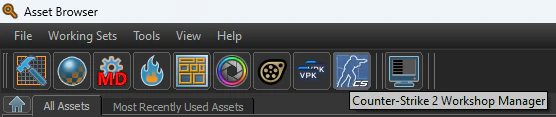
Ignore all of the other buttons and press New.
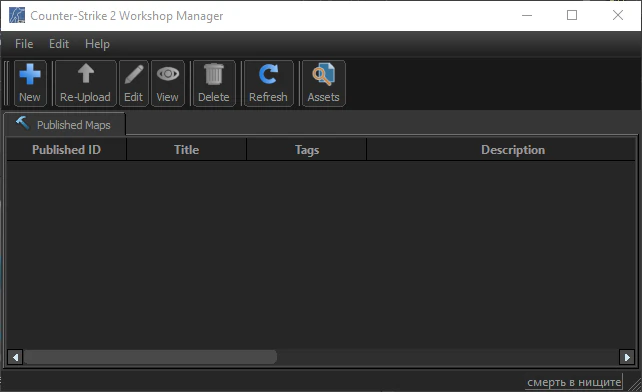
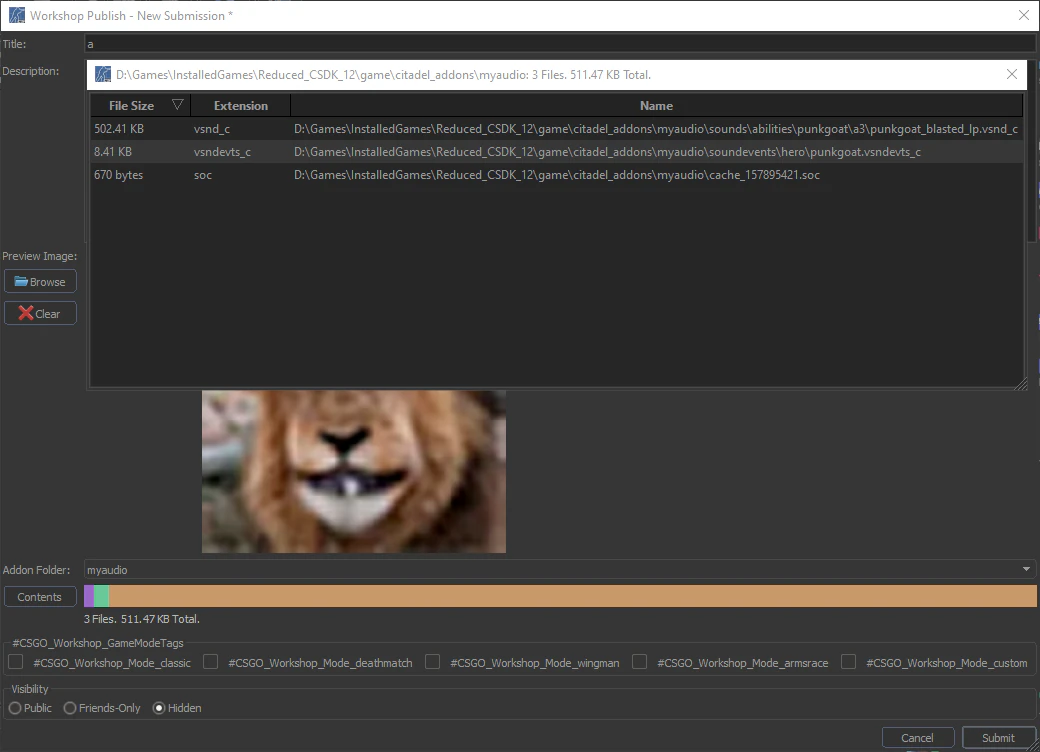
Enter anything in name, description fields, select absolutely any image as a preview image, any visibility and press Submit. The submit process will fail, but a new vpk will be created in game/citadel_. You can press the Contents button to verify which files are going to be packed.
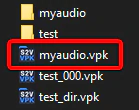
Rename that VPK to pak##_ where ## is a number between 01 and 99, place it in citadel/addons of the Steam version of Deadlock and you’re good to go!
The filesize limit for CS2 Workshop Manager is 2GB for one VPK file, which is bypassable with the Multichunk Workshop Manager, which makes VPKs in multiple chunks with no GB limit. This is advisable to do for very large modpacks or Large Maps.