

Requirements
 Source 2 Viewer
Source 2 supports making .vtex_ files out of various image filetypes.
Note
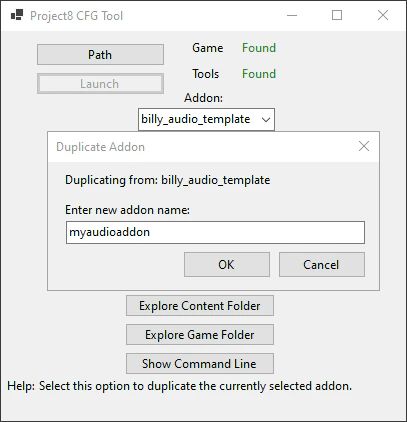
CSDK 12 ships with an example Hero Image template addon. Use “Duplicate Addon” on a template addon in the launcher to make an editable version of the addon.
There are multiple ways to make and compile a UI texture:
VData
Since a .vdata file automatically recompiles any referenced panorama images when that .vdata file is recompiled, you can use this template to compile your images.
Create a new file named image_ in the panorama or scripts folder of your addon, copy the template below and paste it into the file. Modify the image_ section to reference your own images ({images} is the panorama/images folder).
<!-- kv3 encoding:text:version{e21c7f3c-8a33-41c5-9977-a76d3a32aa0d} format:generic:version{7412167c-06e9-4698-aff2-e63eb59037e7} -->
{
generic_
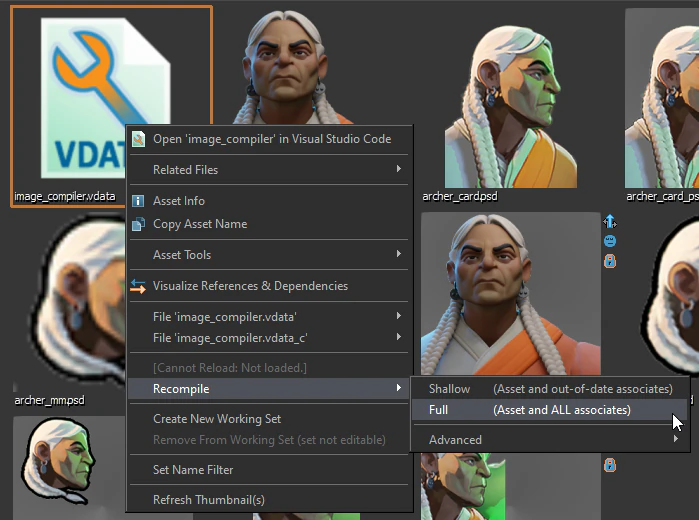
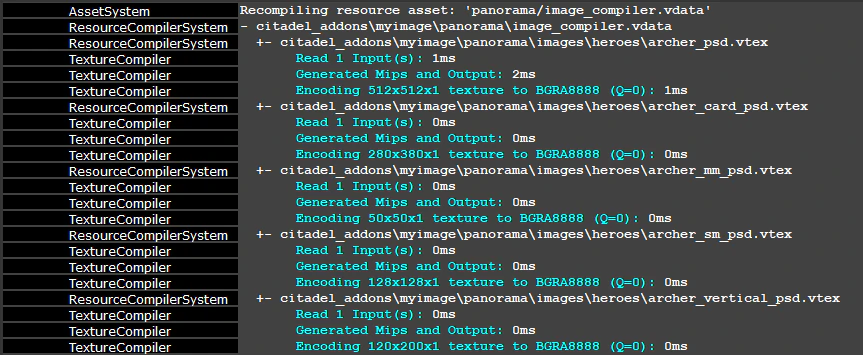
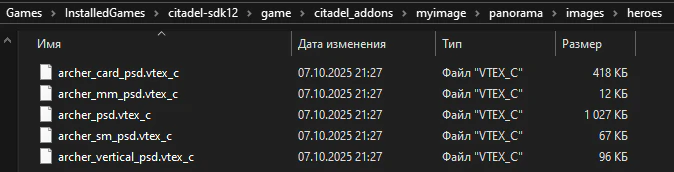
Then, find this file in the  Asset Browser, right click on it and select “Recompile > Full”.
Making a VPDI file
Warning
If you are using CS2 to compile UI textures, be aware that compilation of
.vpdiresources doesn’t work. Use the above.vdatamethod instead.
VPDI (Valve Panorama Dynamic Images) is a file that compiles all UI textures defined in it. Here’s how it looks like:
"DynamicImages"
{
//-------------------------------------------------------------------------
// Changing absolutely any file referenced below
// will cause a rebuild if it is
// a directly referenced image in content.
//-------------------------------------------------------------------------
"Explicit Files"
{
"{images}/heroes/rimdle.png" ""
"{images}/heroes/rimdle_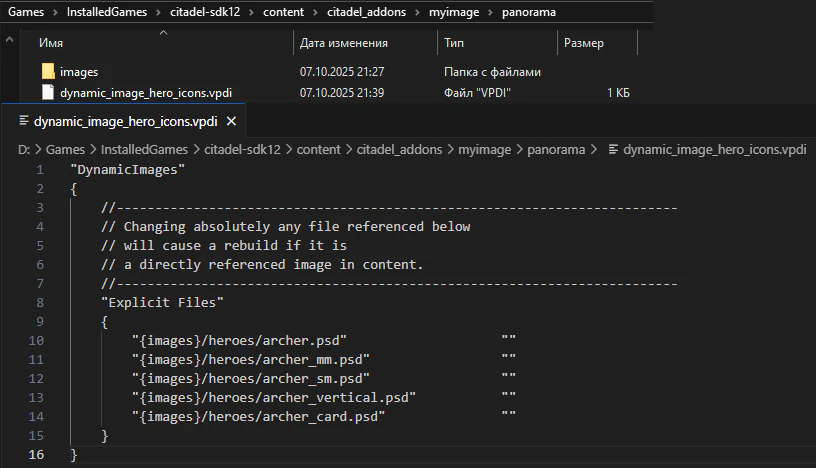
First, make a .vpdi file in the panorama folder of your addon (you can copy the example above). Then, define all of your images in the “Explicit Files” section ({images} is the panorama/images folder).
With your  CSDK 12 tools open, find your
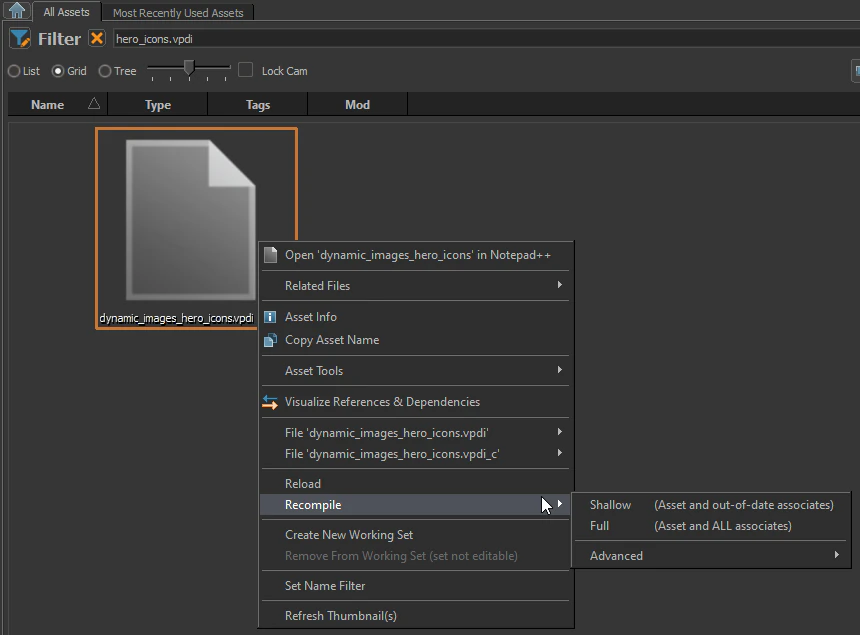
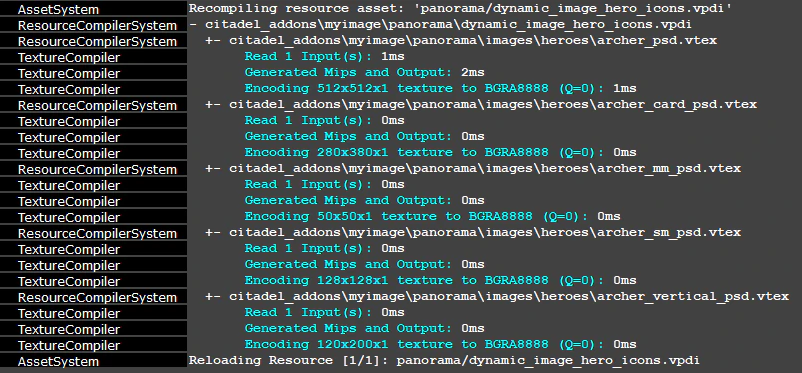
 .vpdi file in the Asset Browser, right click on it and select “Recompile > Full”. Compilation of this file will recompile all referenced images to .vtex_.
Packing
See Packing an Addon